- Frontpage
- · APQP4Wind Resources
- · APQP4Wind Toolbox
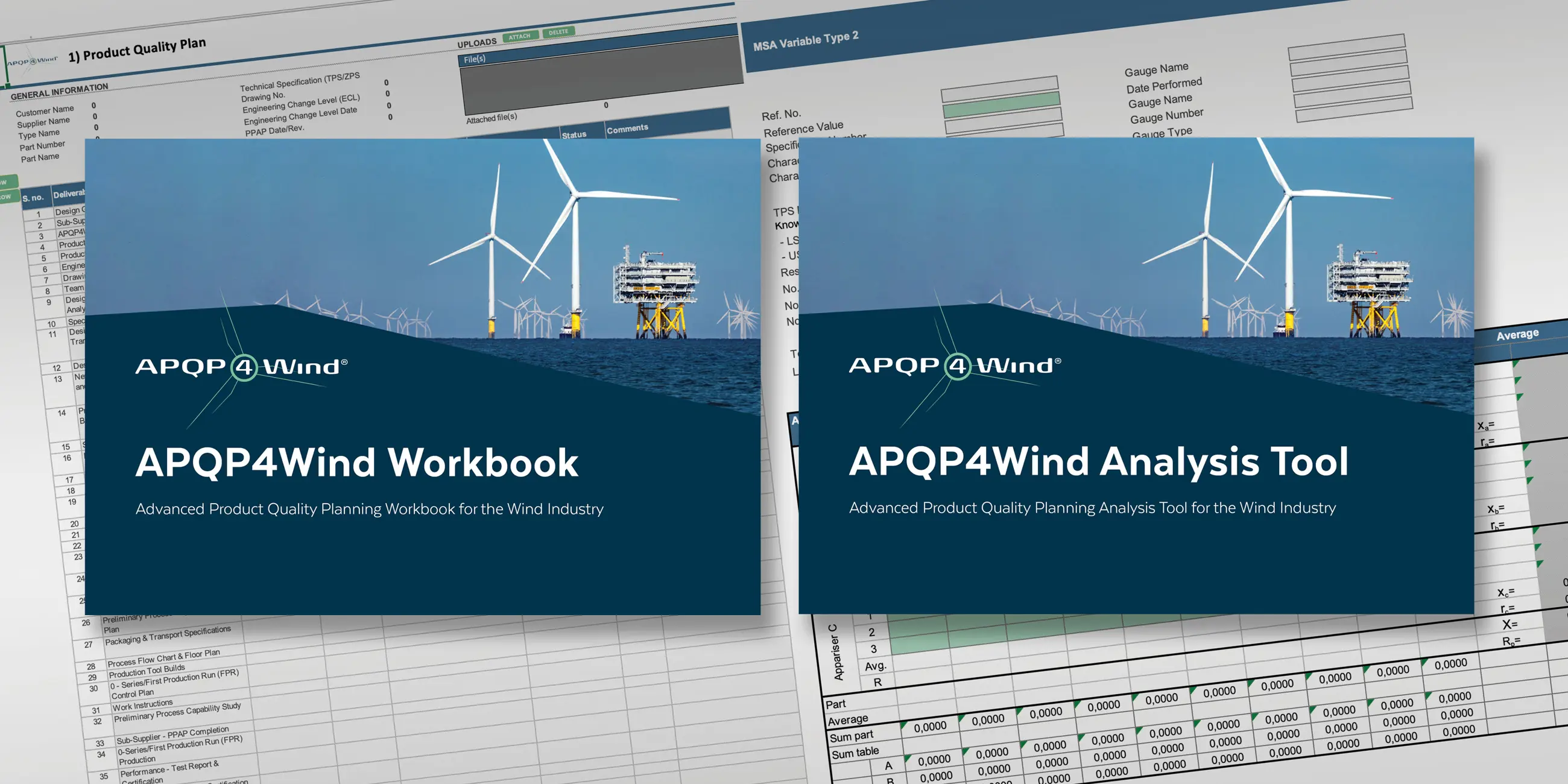
The APQP4Wind Toolbox contains
APQP4Wind Workbook (version 1.3) represents the core structure for complying with the activities described in the APQP4Wind Manual. It is an interactive Excel Workbook with templates that support the use of the manual. It will provide one file including all agreed documentation, including metadata, which can be used to finalize and submit the PPAP4Wind.
In January 2026, we removed all Active X objects from the workbook.
The technical update is reflected in the updated change log and aims to make the tool easier to use for all members.
What has changed?
- All ActiveX controls have been removed to avoid security blocking.
- All Workbook functions have been moved from individual sheets to the Excel ribbon.
- A new ribbon tab called “APQP4Wind” now contains all navigation and functional buttons.
- This ensures a more stable and intuitive user experience during training and implementation.
Download the APQP4Wind Workbook Version 1.3
All changes to the workbook can be found and downloaded in the changelog.
APQP4Wind Analysis Tool (version 1.3) is created to support the Workbook, where MSA and Capability studies can be documented more flexibly.
Download the APQP4Wind Analysis Tool Version 1.3
Every new version of the Workbook or Analysis Tool will be announced on the website.
Important Notice
Please be aware that some users of the APQP4Wind Workbook and APQP4Wind Analysis Tool are met with a warning regarding Microsoft security issues with macros. This is because the APQP4Wind Workbook and Analysis Tool are Microsoft Excel files containing macros, which are now being blocked by default.
You can access the documents through for example these 2 methods:
Method 1:
- Download the Workbook from the APQP4Wind Toolbox on our website.
- Find the file in the download folder, right‑click the file and select Properties.
- In the General tab, scroll to the bottom.
- Under Security, you will see a message such as: “This file came from another computer and might be blocked to help protect this computer.”
- Select Unblock and click OK.
- Now open the file, click on ´Enable Content´ if you get a security warning regarding Macros.
- The APQP4Wind ribbon will now be activated, and all functions will be fully available.
Method 2:
- Download the Workbook from the APQP4Wind Toolbox on our website.
- Move the file from the download folder to a local folder on your computer.
- Then open the file, click on ´Enable Content´ if you get a security warning regarding Macros.
- The APQP4Wind ribbon will now be activated, and all functions will be fully available.
The APQP4Wind Workbook and Analysis Tool are designed to help users comply with the activities described in the APQP4Wind Manual.



Give us your feedback
There is always room for improvement, and we would be very interested to read any feedback and input you might have to the Workbook and Analysis Tool.
Please send an e-mail to contact@apqp4wind.org with your comments. Feel free to highlight what specifics you are commenting on, as well as whether your comment concerns the functionality or content.